Product Details
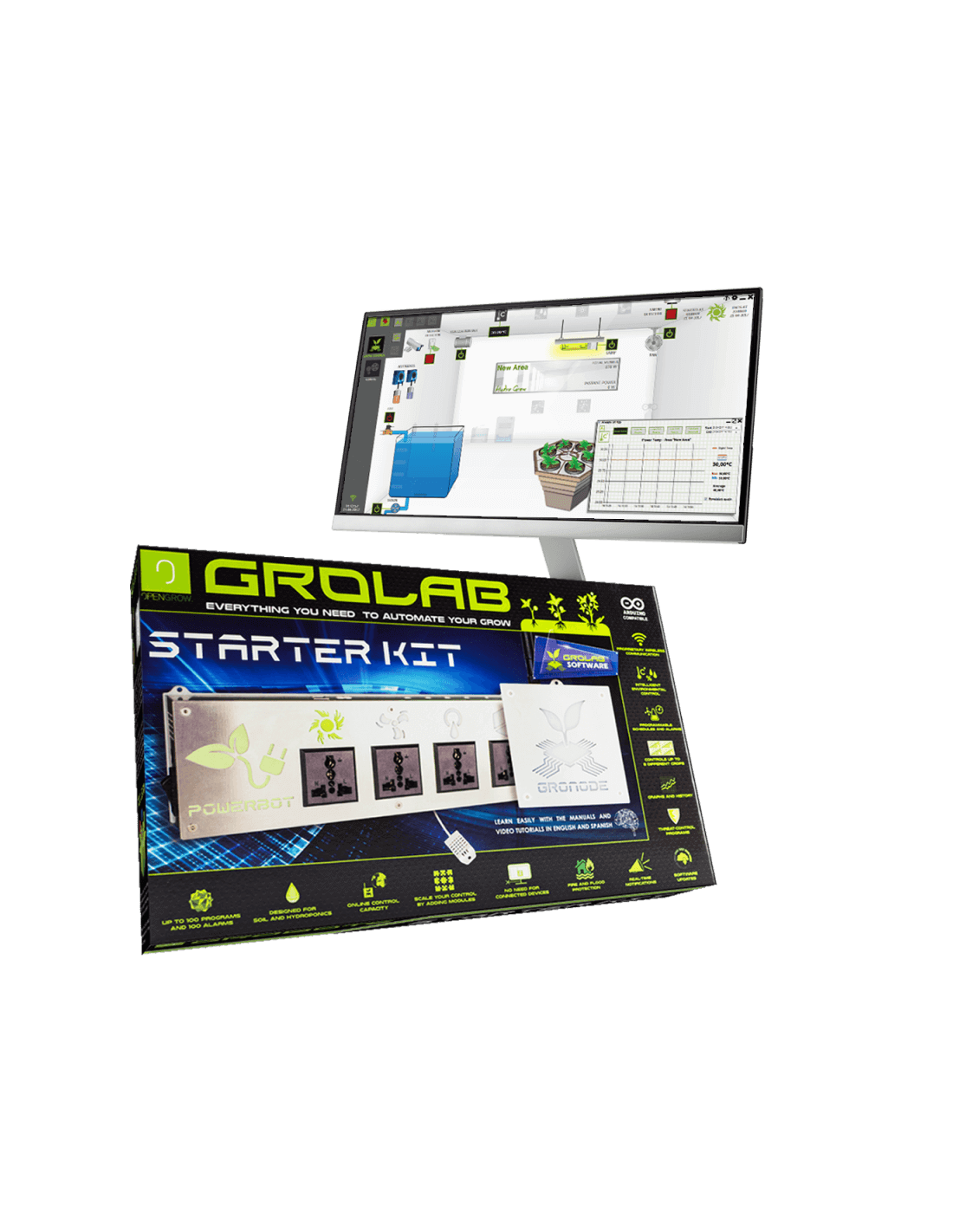
GroLab™ Software was designed to be easy-to-use and accessible for anyone. Every feature and configuration is accessible with a simple click — no complicated operations and no expert knowledge required. The software is fully illustrated and includes several assistants that will guide you through all the features.
GroLab™ has several layers to protect your data. In addition to the credentials needed to access GroLab™ Software, the system also requires credentials to access GroNode. This means that if your PC gets compromised, the GroLab™ will stay safe. Email notifications are also secured — GroNode uses a private server as a redirection point, so the IP can't be linked to your location. GroLab™ can also operate without Internet connection, entirely hiding it from the world.
This software allows you to customize every parameter of your grow(s). It provides all the tools to configure modules and devices settings matching the functionalities of any agricultural growing system. Set the device name, type, power, cool-down time (no more HPS damage) and much more with just a simple click. GroLab™ Software even allows you to export module configurations to a file that you can import at any time.
GroLab™ supports up to 4 Areas that can contain 2 grows each. For each growing space the software already provides a standard of which devices and sensors you should have — just drag and drop the desired peripherals to the designated space. The same happens with the grow(s), where you fully configure your water tanks, pH, EC, level sensors, pumps and nutrient dosers.
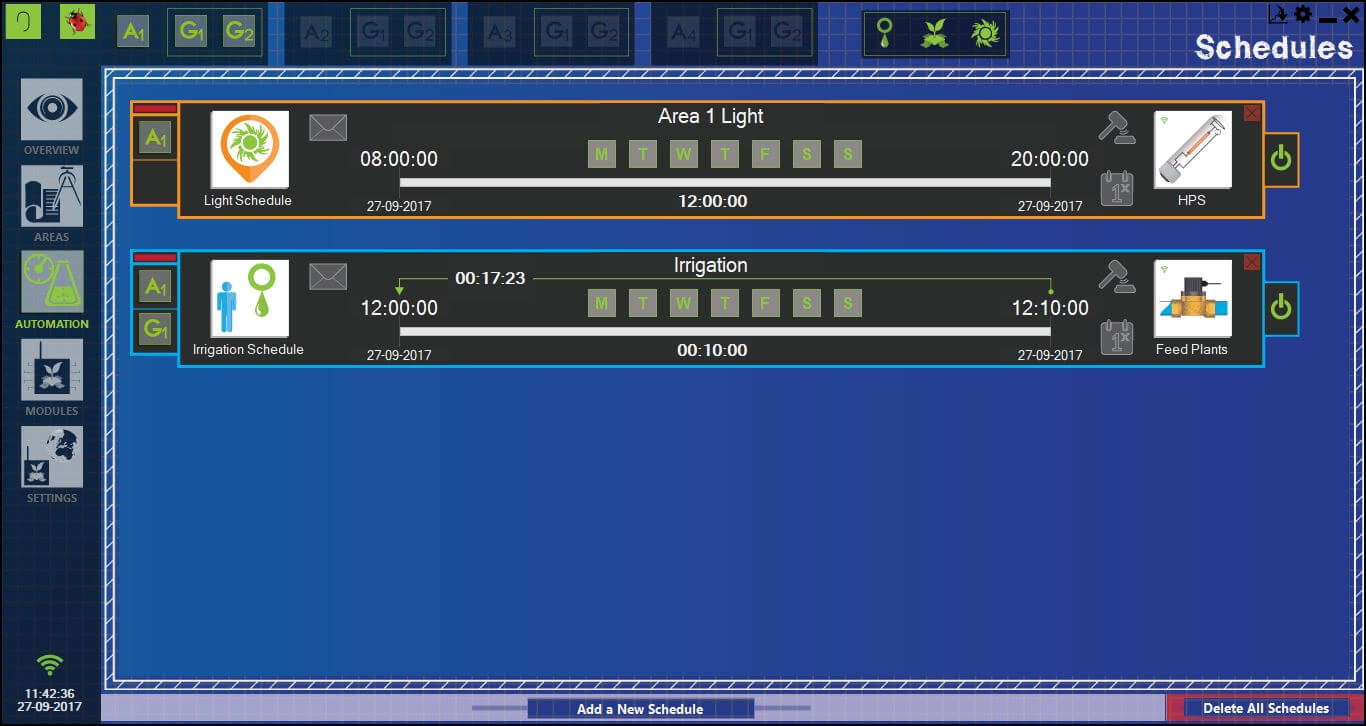
GroLab™ Software allows you to freely create schedules for your irrigation, light or any other output — by hour, by minute, even by second, restricted by days of the week. Create general, irrigation and security alarms that do actions based on sensor values or device states, allowing any kind of automation — all through a graphical and intuitive assistant.
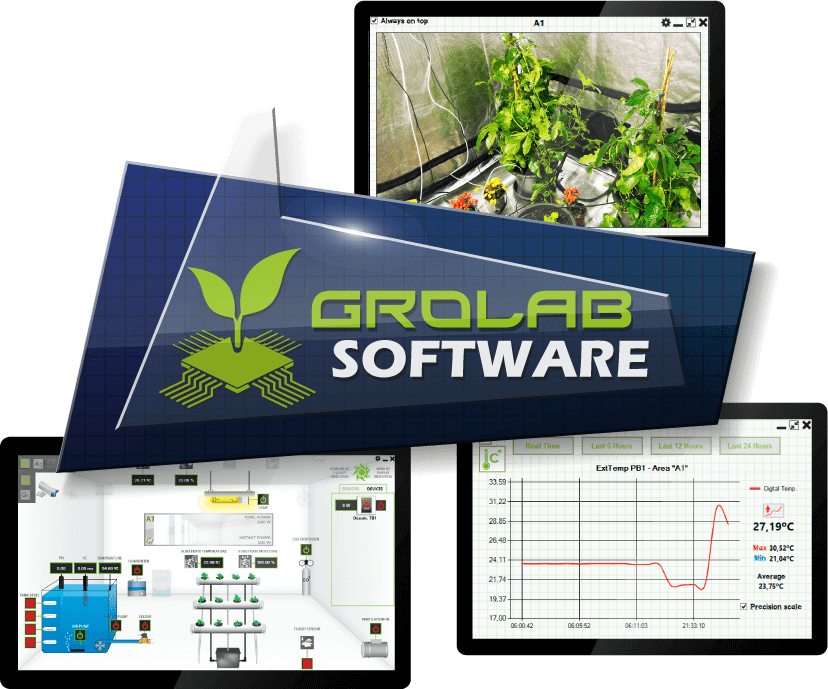
Using the software it is possible to keep tracking and control your grow(s) in real-time. Turn on/off any device, check sensor values, access IP cameras, change configurations, detect any security issue early and calibrate sensors — all while you relax on your couch!
GroLab™ Software includes data-logging and data-storing features that will constantly retrieve and store all information about sensors and devices over time. It is not required to run the software 24h a day — GroNode can store hundreds of thousands of data entries. User can download GroNode's data through the software at any time to complete the database information. Thanks to data-visualization features, detailed analysis of the plant life cycle is possible.
GroLab™ supports IP cameras allowing the user to keep their grows and surrounding areas under constant surveillance from anywhere at any time, through an intuitive interface provided by GroLab™ Software.
When connecting GroNode to a router with an Internet connection, the GroLab™ remote control feature is activated — granting user access from anywhere at any time through GroLab™ Software.
With GroLab™ Software, the user can constantly monitor and deeply analyse all the variables of their grow(s). The software provides graphs, historical data, trends and grow overview. It also allows you to easily export sensors/devices data to a friendly file from the beginning of your grow life cycle.
When Internet connection is provided to GroNode, it can send real-time alerts and updates to your email. This feature can be fully configured with GroLab™ Software — set the email address, desired notifications, time interval and much more. GroLab™ not only keeps you updated at all times, but also lets you know if any issues arise.
Connecting GroNode to the Internet allows the user to configure a cloud server to periodically upload the data-log from all sensors/devices (in JSON format). A feature that opens the door to a multitude of advanced data analysis possibilities, essential for comprehensive studies.
It is possible to create complex security protocols using alarms. GroLab™ provides several options to prevent, notify or react to risk situations. One possible reaction is to suspend some parts or even the whole system until the user gives the order to continue. When a security alarm activates, GroNode will blink red and can also emit a loud beeper and send email notifications.
All GroLab™ Software updates are completely free. The Open Grow team works continuously to fix reported bugs, improve existing features and add new functionalities to the system. Updates are automatically notified within the software and can be applied with a single click.
Technical Specifications
| THE CONTROL BOOTH Specifications | |
|---|---|
| Platform | Windows 7 and higher (macOS / Android / iOS coming soon) |
| Price | Free — forever |
| Demo Mode | Yes — no hardware required |
| Max Areas | 4 Areas × 2 Grows each |
| Max Schedules | Up to 100 per type |
| Max Alarms | Up to 100 |
| IP Camera Support | Yes |
| Cloud Upload | Yes (JSON format) |
| Remote Control | Yes (requires internet on GroNode) |
| Data Export | Yes (CSV/compatible formats) |
| Language | English (more coming) |
| Updates | Free, automatic |
| Compatible With | All GroLab™ modules |